
Top 10 Mistakes Tourists Make When Buying an eSIM in Egypt (and How to Avoid Them)
You think you’ve researched everything about eSIM before flying to Egypt.
Don’t be so sure — a small oversight can cost you both money and time.
Most travelers feel confident:
“I already watched YouTube reviews, compared plans, and saved screenshots. I’m ready.”
Then Egypt surprises them.
Buying an eSIM for other countries is straightforward — scan a QR code, turn on data, done.
But Egypt is a different game:
- Airport Wi-Fi requires OTP verification (which you can’t receive yet)
- Some airport kiosks don’t sell eSIM at all — only physical SIM
- Many travel eSIM plans are data-only (no calls/SMS)
- Certain cities like Hurghada or Sharm El-Sheikh require manual network switching
- “Unlimited data” almost always hides speed throttling or hotspot restrictions
So even if you believe you’re prepared, many tourists still end up:
- landing with an eSIM installed but no internet,
- paying extra for plans they don’t need,
- wasting 30–45 minutes at the airport SIM counter while everyone else walks out with Uber booked.
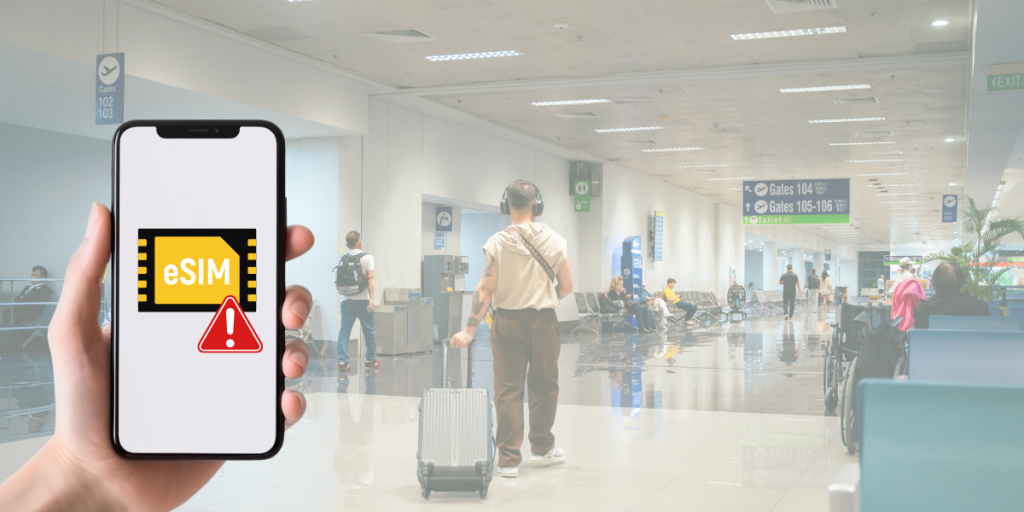
And all of it comes from one thing:
They didn’t know the mistakes before buying the eSIM.In this guide, we’ll walk through the Top 10 mistakes tourists make when buying an eSIM in Egypt — and how to avoid them so your trip starts smoothly the moment you land in Cairo.
Mistake #1: Assuming airports in Egypt sell eSIM (most kiosks only sell physical SIM cards)
Many travelers arrive at Cairo or Hurghada airport thinking they can buy an eSIM on the spot.
In reality, most airport telecom kiosks only sell physical SIM cards and require:
- passport verification,
- form filling,
- waiting in line while staff upsell more expensive plans.
If your flight arrives late at night or several planes land at once, the queue can take 30–45 minutes.
Meanwhile, travelers who pre-installed an eSIM are already booking rides or opening Google Maps.
Buying online and installing before departure avoids the airport bottleneck entirely.
Mistake #2: Not checking whether the plan is data-only
A large portion of travel eSIM plans for Egypt are data-only.
That means:
- no phone calls to hotels or local drivers,
- no SMS for reservation confirmations or delivery codes.
Data-only works perfectly if you plan to rely on WhatsApp, Messenger, or FaceTime.
But if your itinerary includes booking domestic tours or calling a guide, choose a plan that explicitly includes voice minutes.
Tip: Always check the plan details for “data-only” or “data + voice calls.”
Mistake #3: Installing the eSIM for the first time using airport Wi-Fi
First-time eSIM installation requires a stable Wi-Fi connection.
Airport Wi-Fi in Egypt often requires mobile number verification via SMS.
But you cannot receive SMS because your eSIM is not yet active.
Result: you get stuck in a loop.
Correct process:
- Install the eSIM while still at home, using your own Wi-Fi.
- When the plane lands, turn on the eSIM line.
- Enable data roaming.
At that point, the eSIM will register on Orange, Vodafone, or Etisalat automatically.
If you prefer the simplicity of installing before flying and activating on arrival:
Egypt eSIM for travelers — https://gohub.com/esim/egypt
Mistake #4: Forgetting to enable Data Roaming
This is the number one reason why travelers think their eSIM is “not working.”
Even if the eSIM is correctly installed, the device will not connect to Egypt’s networks unless Data Roaming is enabled.
On iPhone:
Settings → Cellular / Mobile Data → Your eSIM → turn on Data Roaming
On Samsung / Android:
Settings → Connections → Mobile Networks → Data Roaming → On
Most travelers assume roaming should be turned off to avoid extra charges.
With a travel eSIM, roaming must be on, because the data comes from your eSIM plan, not from your home SIM.
Mistake #5: Not switching networks manually when data is weak
Egypt has three major networks:
- Orange Egypt
- Vodafone Egypt
- Etisalat (e& Egypt)
In Cairo and Giza, automatic network selection works well.
But in resort destinations like Hurghada or Sharm El-Sheikh, one network can be weak while another works perfectly.
If the data is slow or unstable, manually switch to a different network.
How to do it:
iPhone:
Settings → Cellular → Network Selection → turn off Automatic → choose Orange or Vodafone
Android:
Settings → Mobile Networks → Network Operators → choose manually
Coverage is not the same everywhere. The fastest fix is simply switching networks.
Mistake #6: Ignoring APN configuration
Sometimes the eSIM connects but the data does not start.
In many cases, the issue is an incorrect APN (Access Point Name) value.
Common APN settings in Egypt:
| Network / Carrier | APN |
| Orange Egypt | internet or web.orange.eg |
| Vodafone Egypt | internet.vodafone.com.eg |
| Etisalat (e& Egypt) | etisalat |
Where to enter APN:
- iPhone: Settings → Cellular → eSIM Line → Cellular Data Network
- Samsung / Android: Settings → Connections → Mobile Networks → Access Point Names
Once the correct APN is applied, the data usually starts immediately.
Mistake #7: Believing “Unlimited Data” is truly unlimited
Many eSIM providers promote “unlimited data,” but the fine print usually includes:
- daily fair usage limits (after a threshold, speed drops sharply),
- reduced speed after heavy usage (throttling),
- no hotspot/tethering allowed.
For example, a plan may allow full speed for the first few gigabytes and then drop to very slow speeds for the rest of the day.
This can make navigation, booking rides, or uploading photos frustrating.
Always check:
- daily high-speed allowance,
- throttle speed,
- whether hotspot/tethering is permitted.
Unlimited data does not always mean unlimited speed.
Mistake #8: Not checking whether your phone is unlocked
Even if your phone supports eSIM, it must also be network-unlocked.
If the device is locked to a carrier, the eSIM will not register on Egyptian networks.
How to check (iPhone):
Settings → General → About → Carrier Lock →
Look for: No SIM restrictions
If it shows anything else, contact your carrier before traveling
Mistake #9: Choosing the cheapest plan instead of the best coverage
A cheap eSIM plan is not a bargain if:
- the network is unstable,
- APN details are unclear,
- customer support is slow or nonexistent.
Egypt has areas where only one specific network performs well.
If your provider does not clearly state which network they use in Egypt, you are buying blind.
Coverage matters more than saving a few dollars.
Mistake #10: Trying to transfer the eSIM to another device during the trip
Some eSIMs allow only one installation.
If you delete the eSIM, reset your phone, or try to move it to another device, the eSIM may become invalid and require a paid replacement.
Do not experiment with:
- switching from iPhone to another iPhone,
- resetting the device,
- deleting the eSIM to “reinstall it later.”
Install once, leave it as is until the end of your trip.
If you prefer an option that avoids these problems and lets you install at home, activate on arrival, you can use:
Egypt eSIM for travelers — https://gohub.com/esim/egypt
FAQ (Frequently Asked Questions)
1. Can I activate my eSIM before arriving in Egypt?
Yes. You should install the eSIM while still at home using Wi-Fi, then activate it once your phone detects the local network after landing.
2. Will my eSIM work in Cairo, Giza, Luxor, and Hurghada?
Yes, as long as your provider supports the major networks (Orange, Vodafone, Etisalat).
In some coastal cities like Hurghada or Sharm El-Sheikh, you may need to switch networks manually.
3. Why does my eSIM show “No Service” even though it is installed?
The most common causes are:
- Data Roaming is turned off
- Network selection is set to automatic but the signal is weak
- APN settings are missing
Turn on Data Roaming and try selecting Orange or Vodafone manually.
4. Do eSIM plans in Egypt support calls and SMS?
Most travel eSIMs are data-only. If you need local calls, confirm that the plan includes voice minutes before purchasing.
5. Is airport Wi-Fi reliable enough to install an eSIM?
Not recommended. Airport Wi-Fi often requires OTP verification, which you can’t receive until your eSIM is active.
Conclusion: Buy smart, install early, avoid headaches
Buying an eSIM for Egypt is straightforward when you know what to avoid.
The most expensive mistakes tourists make come from:
- assuming airports sell eSIM,
- installing eSIM on airport Wi-Fi,
- ignoring network switching and APN settings,
- choosing the cheapest plan instead of the best coverage.
Install your eSIM at home, activate it when you land, and your trip will start smoothly—from the moment the wheels touch the runway in Cairo.
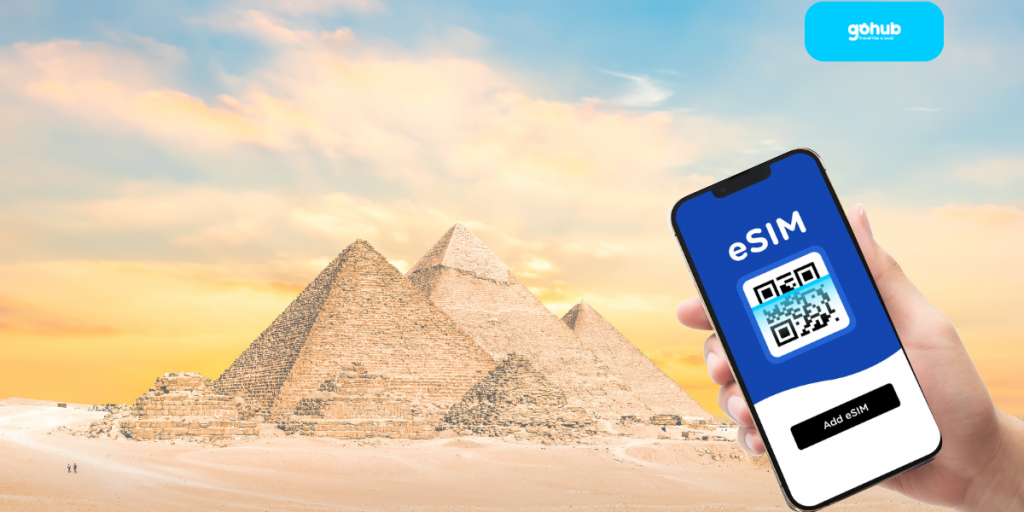
If you prefer an option that avoids the common mistakes listed in this guide:
Egypt eSIM for travelers — https://gohub.com/esim/egypt
Stay connected. Travel lighter. No lines, no paperwork, no surprises.

